
1
Navigate to the Web Portal tab
Navigate to the Web Portal tab on the left-hand side (LHS) menu.
2
Click the Brand button
Click on the “Brand” button for the desired web portal. On click, the Brand Management Page for the selected web portal will open.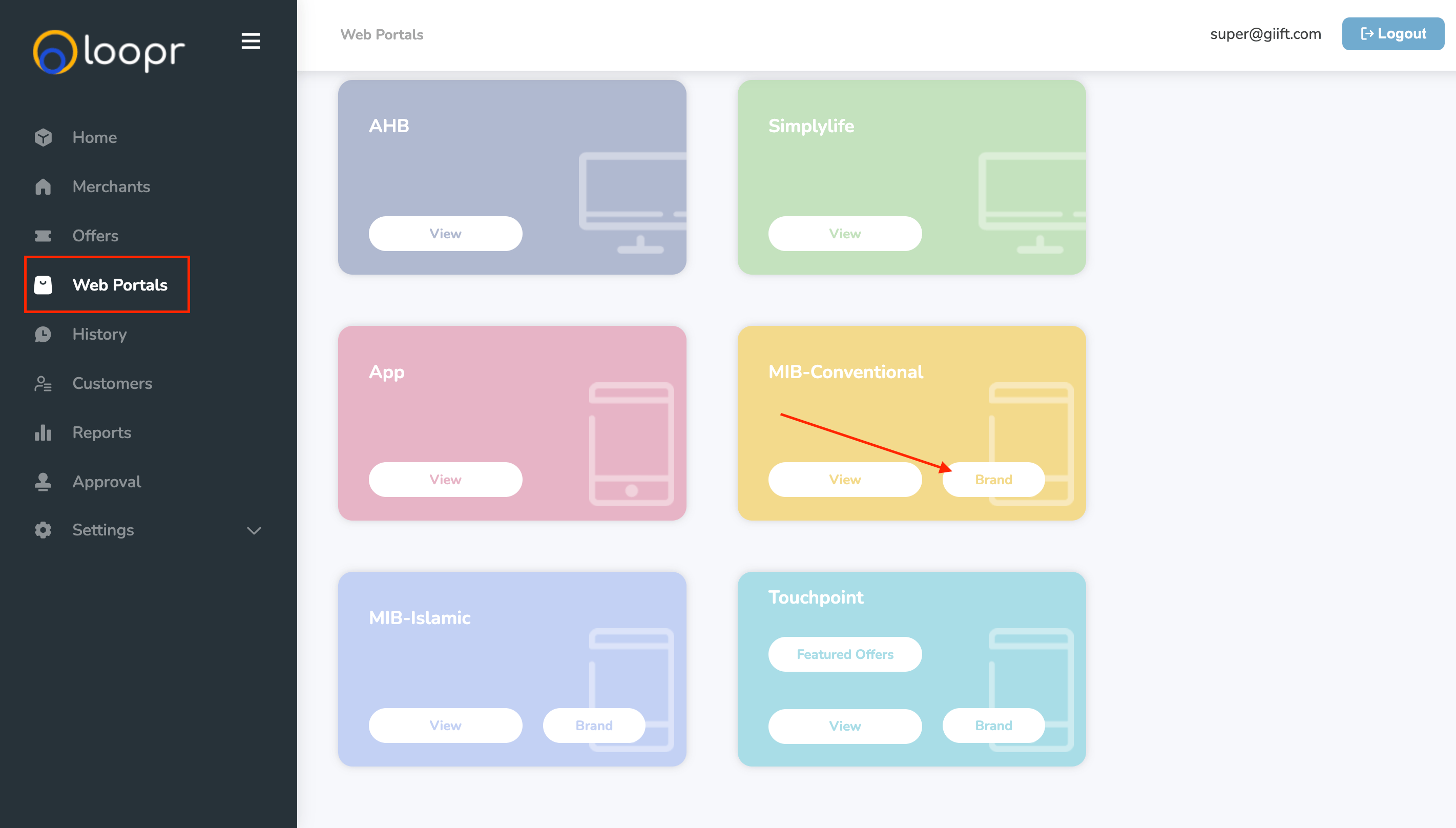
3
Add brands
You can add up to 8 brands per web portal.
Use this section to control which brands are highlighted or featured on each portal.