
1
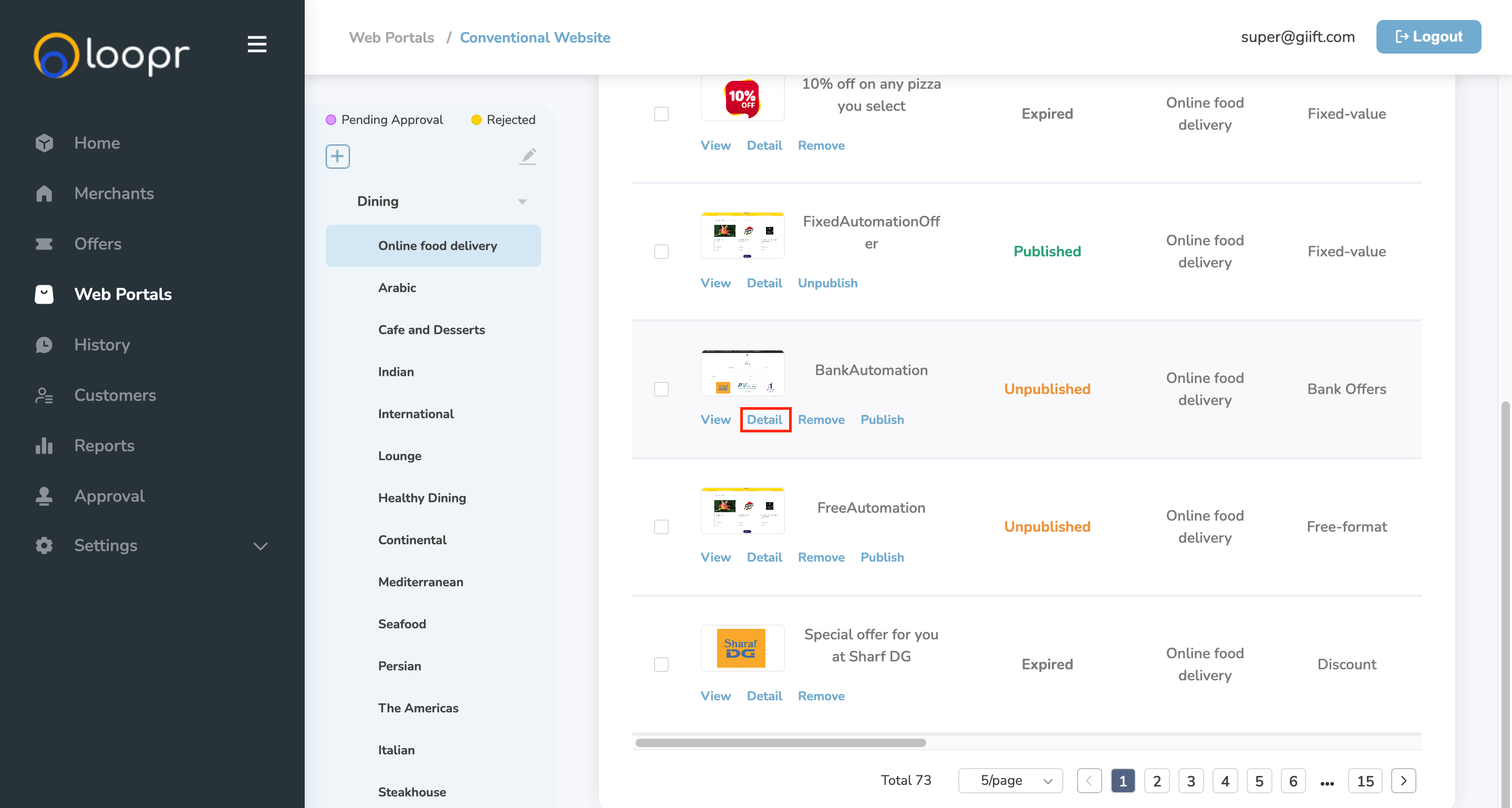
Locate the Offer
- Navigate to the Web Portals tab.
- In the list of offers, locate the offer you want to track.
2
View Offer Transactions
- Click “Detail” next to the selected offer.
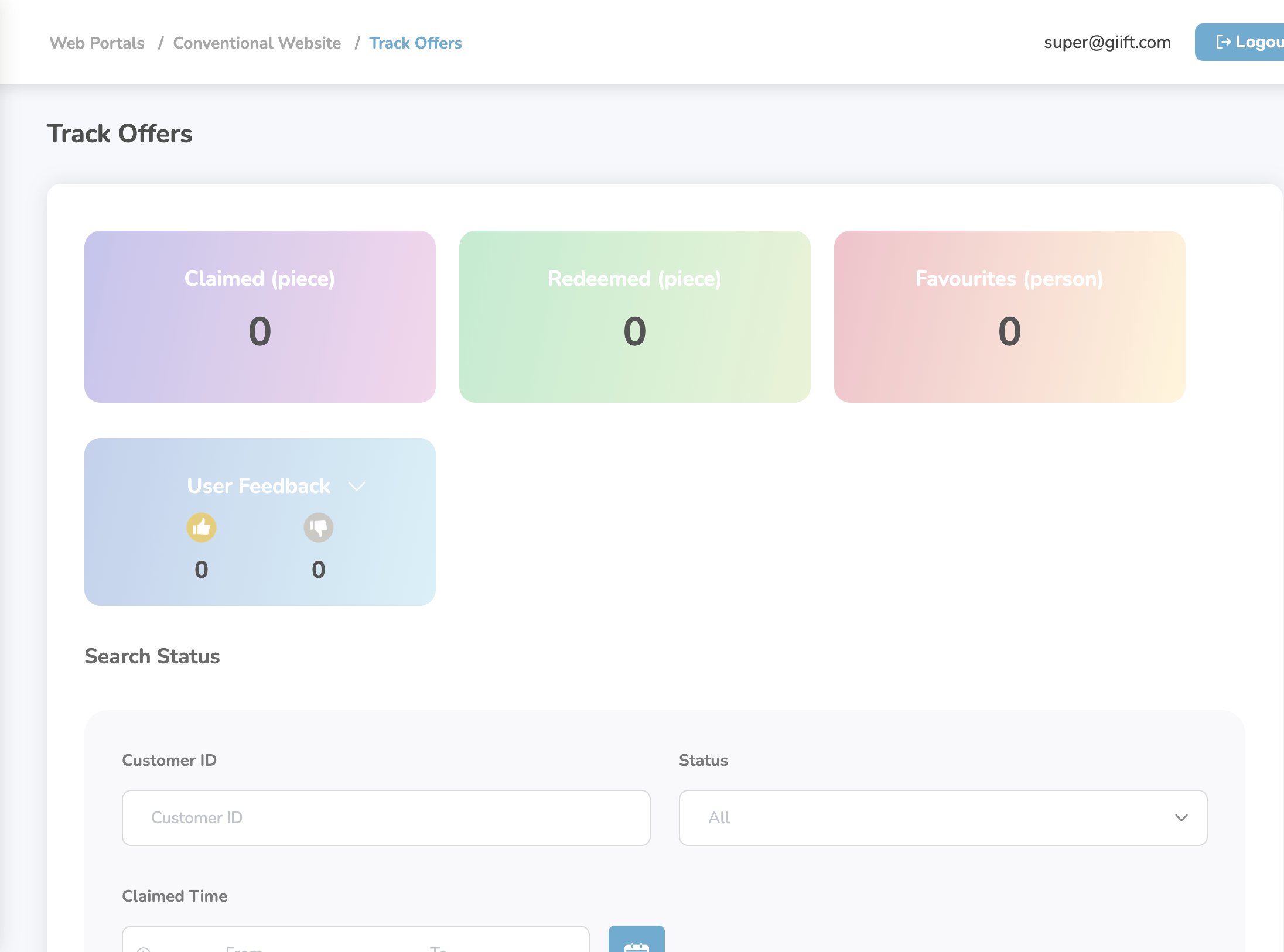
- The Track Offers Detail page will be displayed, showing a list of transactions related to that offer.
Still need help? Raise a support ticket.